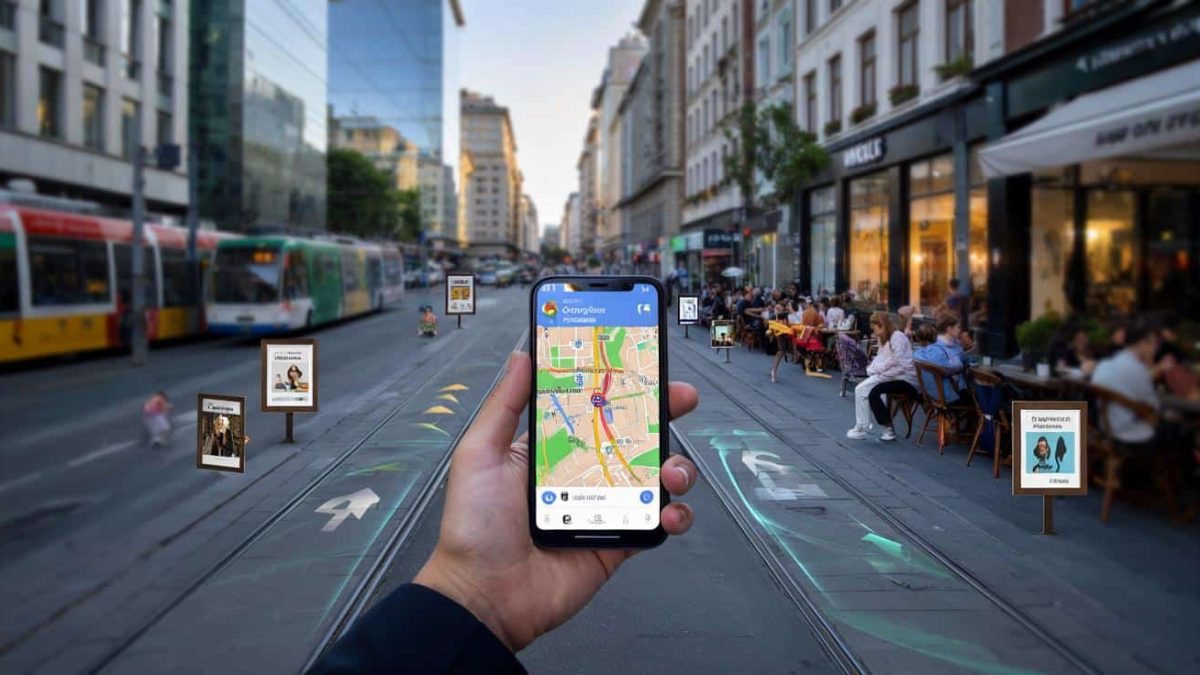
In a world where our smartphones have become our constant companions, the power of Google Maps extends far beyond just navigation. Beneath the surface of this ubiquitous app lies a treasure trove of hidden features that can transform your device into a veritable Swiss Army knife of travel and exploration. Prepare to unlock the secret potential of Google Maps and elevate your mobile experience to new heights.
From tapping into the AI-driven insights to leveraging the camera’s capabilities, the true potential of Google Maps is often overlooked. But fear not, intrepid explorer – we’re about to unveil three game-changing tricks that will make your smartphone a pro-level navigation tool.
Unleash the Power of Google Maps’ Hidden AI
Beneath the familiar interface of Google Maps lies a powerful artificial intelligence engine, ready to serve up insights that go far beyond simple directions. By tapping into this AI-driven intelligence, you can uncover a wealth of information that can streamline your travels and enhance your overall experience.
One such feature is the “Gemini in Google Maps” functionality, which allows you to engage in a conversational interface with your digital assistant. Simply type in your query, and Gemini will respond with tailored information, recommendations, and even task-completion capabilities – all without ever leaving the maps app.
Whether you’re looking for the best local cuisine, seeking hidden gems in a new city, or need assistance with trip planning, Gemini’s natural language processing can provide you with the answers you need, right at your fingertips.
Harness the Lens: Unleash the Smartphone Camera’s Potential
Your smartphone’s camera is more than just a tool for capturing memories – it’s a powerful asset when integrated with Google Maps. The “Lens in Maps” feature allows you to leverage the camera’s visual recognition capabilities to unlock a wealth of information about your surroundings.
Imagine standing in front of a landmark or a restaurant and instantly being able to access key details, reviews, and even real-time availability. This feature can be a game-changer when you’re navigating unfamiliar territory, helping you make informed decisions and avoid getting lost in the shuffle.
But the power of Lens in Maps extends beyond just identifying locations. You can also use it to translate text, scan barcodes, and even identify plants and wildlife – transforming your smartphone into a versatile tool for exploration and discovery.
Uncover the “Details of the Map” Goldmine
While the main interface of Google Maps may seem straightforward, a hidden gem lies in the “Details of the Map” feature. This unassuming button unlocks a treasure trove of critical information that can elevate your navigation experience to new heights.
By accessing the “Details of the Map,” you’ll gain access to a wealth of data, from real-time traffic updates and public transportation schedules to information about local businesses, landmarks, and even points of interest. This level of granular detail can be invaluable when planning your routes, avoiding congestion, and discovering hidden gems in your surroundings.
But the true power of the “Details of the Map” lies in its ability to adapt to your specific needs. Whether you’re a daily commuter, a frequent traveler, or an avid explorer, the information you’ll uncover can be tailored to your unique preferences and requirements.
Navigating the Pros and Cons: Deciding When to Unlock the Secrets
While the three secret Google Maps tricks we’ve unveiled can undoubtedly elevate your mobile navigation experience, it’s important to consider the potential pros and cons of utilizing these advanced features.
On the one hand, tapping into the AI-driven insights, camera-powered visual recognition, and the wealth of data in the “Details of the Map” can save you time, improve your decision-making, and unlock a world of new discoveries. However, the increased reliance on these features may also raise concerns about data privacy, battery life, and potential distractions while on the move.
Ultimately, the decision to embrace these secret Google Maps tricks will depend on your individual needs, preferences, and comfort level with technology. By weighing the benefits against the potential drawbacks, you can determine the right balance and make the most of these powerful tools in a way that enhances, rather than hinders, your overall navigation experience.
Navigating the Pitfalls: Avoiding Common Mistakes
As with any powerful technology, there are potential pitfalls and risks to consider when unlocking the secrets of Google Maps. From privacy concerns to safety hazards, it’s crucial to approach these advanced features with caution and awareness.
One common mistake is over-reliance on the AI-driven insights, leading to a lack of situational awareness or overconfidence in the app’s recommendations. It’s important to maintain a healthy skepticism and cross-reference the information provided by Google Maps with your own observations and judgments.
- ➡Diät-Expertin verrät: Dieses einfache Gericht soll Ihr Leben verlängern
- ➡Warum Beete im März scheitern: die einfache Profi-Methode für perfekte Rote Bete
- ➡Neue Hundegesetze 2026: Warum sich liebevolle Halter plötzlich wie Verdächtige fühlen
- ➡Das Reinigungsmittel im Supermarkt, das du durch etwas aus der Küche ersetzen kannst
Another potential pitfall is the distraction caused by the camera-powered visual recognition and the wealth of data in the “Details of the Map.” While these features can be incredibly useful, they can also pull your attention away from the road or your immediate surroundings, potentially compromising your safety and situational awareness.
To navigate these pitfalls successfully, it’s essential to establish a balanced approach – one that harnesses the power of Google Maps’ advanced features while maintaining a keen awareness of your environment and personal safety. By striking this delicate balance, you can unlock the true potential of your smartphone’s navigation capabilities without falling victim to the common traps.
Embracing the Future: Unlocking Google Maps’ Evolving Potential
As technology continues to advance, the capabilities of Google Maps are poised to expand and evolve, offering users an increasingly sophisticated and personalized navigation experience. From deeper integration with artificial intelligence and augmented reality to the incorporation of real-time data from a multitude of sources, the future of this ubiquitous app is both exciting and promising.
By staying informed and proactively exploring the hidden features and functionalities of Google Maps, users can position themselves at the forefront of this digital revolution, unlocking new levels of efficiency, discovery, and exploration in their daily lives. Whether you’re a daily commuter, a frequent traveler, or an adventurous explorer, the secrets of Google Maps can empower you to navigate the world with greater ease, confidence, and a deeper appreciation for your surroundings.
- ➡Rätselhafte Radiobaken im All: Neuer Himmelskörper funkt alle 36 Minuten
- ➡Gorilla Glue richtig nutzen: So lange muss der Kleber wirklich trocknen
- ➡Nie mehr Unkraut im Kies: Mit diesem Profi-Trick bleibt der Garten dauerhaft sauber
- ➡Pestizid-Schock bei Drachenfrucht: Diese Supermärkte rufen exotische Ware zurück
So, embark on your digital journey and unlock the hidden potential of Google Maps – your smartphone is about to become an indispensable companion on the road to discovery.
Frequently Asked Questions
What is the “Gemini in Google Maps” feature?
The “Gemini in Google Maps” feature allows you to engage in a conversational interface with Google Maps’ AI-powered assistant. You can ask questions, get recommendations, and even complete tasks directly within the app, without having to switch between different applications.
How can I use the “Lens in Maps” feature?
The “Lens in Maps” feature allows you to use your smartphone’s camera to instantly access information about your surroundings. You can point your camera at a landmark, restaurant, or any other point of interest, and Google Maps will provide you with details, reviews, and other relevant data.
What is the “Details of the Map” feature in Google Maps?
The “Details of the Map” feature in Google Maps unlocks a wealth of critical information, including real-time traffic updates, public transportation schedules, and data about local businesses and points of interest. This feature can be particularly helpful when planning routes, avoiding congestion, and discovering hidden gems in your surroundings.
What are the potential pitfalls of using Google Maps’ advanced features?
Potential pitfalls include over-reliance on the AI-driven insights, leading to a lack of situational awareness, and excessive distraction caused by the camera-powered visual recognition and the wealth of data in the “Details of the Map.” It’s important to maintain a balanced approach and be aware of your surroundings to avoid compromising your safety and decision-making.
How can I stay up-to-date with the evolving capabilities of Google Maps?
To stay informed about the latest features and functionalities of Google Maps, it’s a good idea to regularly check the app’s updates, explore the settings and options, and stay informed about the company’s announcements and developments in the field of digital navigation and location-based services.
Are there any privacy concerns associated with using Google Maps’ advanced features?
As with any technology that collects and utilizes personal data, there are potential privacy concerns associated with the advanced features of Google Maps. It’s important to review the app’s privacy policies, understand how your data is being used, and adjust your settings accordingly to protect your personal information.
How can I balance the benefits and drawbacks of using Google Maps’ advanced features?
The key to balancing the benefits and drawbacks of using Google Maps’ advanced features is to adopt a thoughtful and measured approach. Carefully consider the specific needs and requirements of your situation, weigh the potential advantages against the potential risks, and make informed decisions about which features to utilize and how to use them effectively.
- ➡Horoskop 2026: Am 10. März ziehen diese 4 Sternzeichen verrücktes Glück und eine Fülle an, die alles verändern kann
- ➡Warum du Pilze nie waschen sondern nur mit einem feuchten Tuch abreiben solltest
- ➡Lidl bringt günstiges Balkon-Set: Klappmöbel-Trio für Mini-Gärten
- ➡Astrologie Warnung Am 24 März 2026 droht diesen Sternzeichen ein folgenschwerer Fehler
Can I use Google Maps’ advanced features while driving?
While some of Google Maps’ advanced features can be useful for navigation and trip planning, it’s generally not recommended to use them while actively driving. Engage with the app’s features before or after your journey, and prioritize safe driving practices over any technological conveniences. Safety should always be the top priority when using Google Maps on the road.